
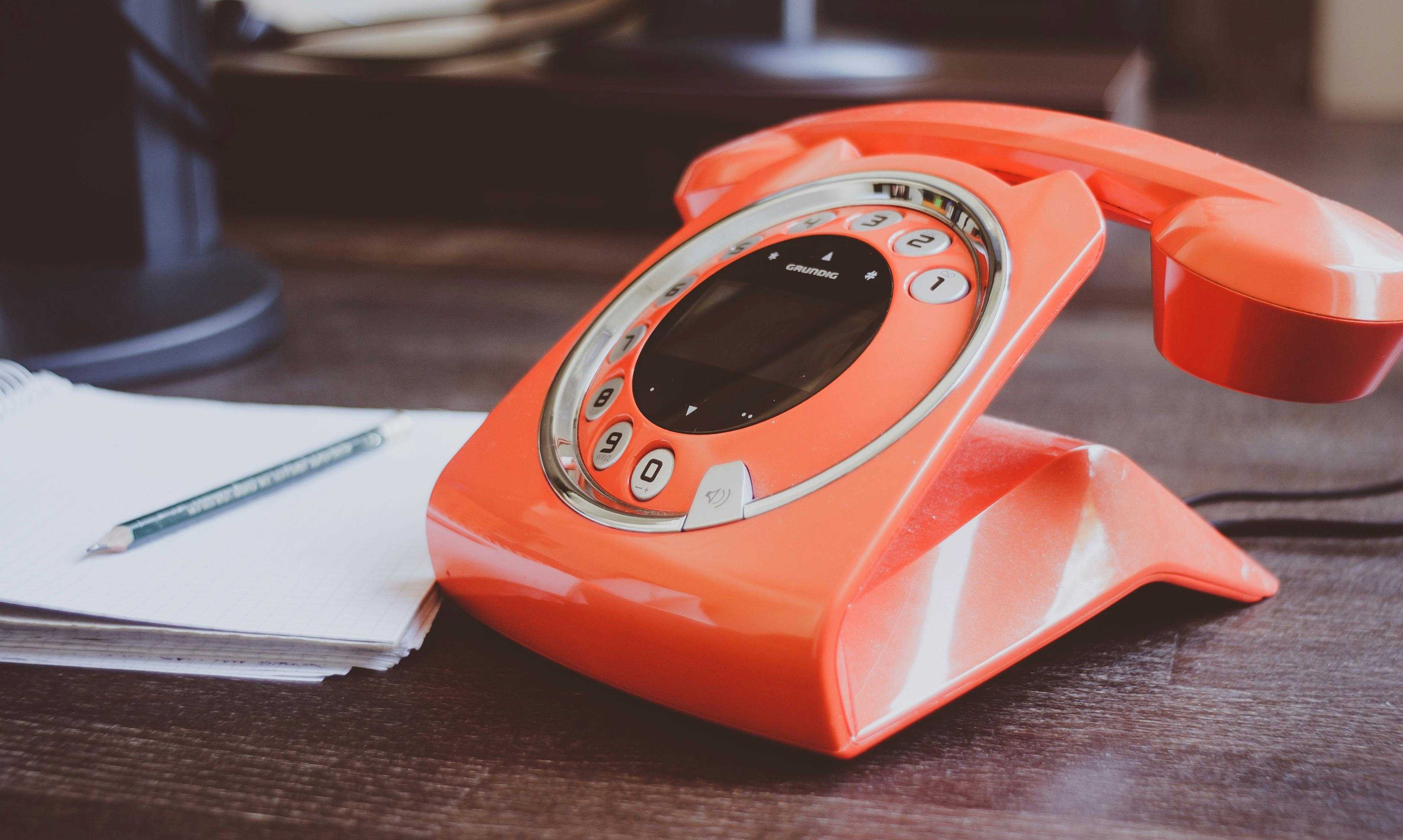
Photo by Pixabay
Discover a simple hack to infuse your everyday routine with joy! In this episode, I share how creating personalized ringtones from your favorite songs can bring smiles to your face and those around you. From practical efficiency to sparking fun conversations, this tip is a game-changer.
I’m Mindy Peterson, host of Enhance Life with Music podcast, where we explore the ways music makes our lives better. And this is Microhance, a micro-dose of musical enhancement.
Today I’m talking about one of my favorite ways to enhance my everyday life with music. This tip also makes me smile many times during the day – and makes people around me smile. If you take the time to set up this hack, it will enhance your life several times a day for years to come. It is also extremely practical and will make you more efficient.
The tip is [drum roll]… to create your own ringtone out of a favorite song. I did this years ago, and still have not gotten tired of hearing Michael Franti’s “The Sound of Sunshine” when a text comes through, or “Hey Hey Hey” for a phone call. I have special ringtones for my kids and husband, which helps me immediately prioritize incoming calls or texts based solely on the ringtone. If my phone goes off during a chiropractor appointment, for example, I won’t even consider checking it if it’s not from my husband or kids. Or if I’m eating dinner with my husband and son, who’s home from college for the summer, I will completely ignore any ringtone – except my daughter’s – if she’s calling or Facetiming from Florida, we’ll beam her in and have her join the family dinner!
I actually have two separate ringtones for my husband, Ian – one for texts and one for voice calls. That way I know if I need to get to my phone quickly to catch his call before I miss it, or if it’s a text that will still be there when the ringtone ends.
Another way this is practical and streamlines your life and attention: your notifications will stand out in a crowd. How often have you heard a common ringtone, and everyone scrambles to see if it’s their phone or not? And if you’re in a concert and hear that dreaded ringtone of a phone that has not been appropriately silenced, you can rest assured it’s not yours unless you hear your uniquely selected song playing.
I’ve found over the years that these ringtones are also great conversation starters. Who doesn’t love music AND personalization?! I can’t tell you how many times I’ve seen a smile sparked by my ringtone on the face of a stranger in front of me in line. Often they’ll turn to me and comment on the song. Music is connection, social glue. And adding an extra smile to someone’s day is priceless.
When selecting a song for a ringtone, you can designate whichever portion of the song you’d like – you’re not relegated to just the first 10 seconds of the song. You can pick an energizing ending, a soothing verse, a catchy instrumental section, or a meaningful phrase from the chorus. My voice mail ringtone is from, yes – Michael Franti’s – “I’ll be Waiting.” The phrase I selected are the lyrics, “The best things in life aren’t things.” I love being subtly reminded of this life-enhancing truth every time I hear it.
How do I do this, you ask? This will depend a bit on your device, and there are multiple options; so I won’t get into too many details here. But there are plenty of step-by-step guides online. I’ll link to one for iPhone in the show notes, or simply search “how to set a song as a ringtone on [Android, or your device]”. Start with one song to replace the ringtone you use the most, and follow the steps. Choose a song that you love and pick a distinctive part you’d like to hear over and over again. Once you’ve gone through the process once, you’ll be hooked and will want to customize all your other ringtones.
Side note: You can use any other sound as your ringtone as well – your dog barking, your 3-yo child or grandchild saying, “I love you,” or the sound of your boat engine starting up. Get creative, and start seeing smiles – on those around you and on your own face.
And there you have it—a simple yet delightful way to bring a bit more joy into your daily routine. I would love to hear what song (or songs) you set as your ringtone – and any fun responses that result!
You can always connect with me on email (mindy@mpetersonmusic.com), Facebook, Instagram, Twitter, or LinkedIn.
I’m Mindy Peterson, and I hope this inspires you to enhance your life with music.
View all Microhance episodes
Note: We occasionally use affiliate links for products and services we whole-heartedly believe in. We may receive a small commission, at no extra cost to you, for purchases made through these links. This helps support the free content we provide.